Used iPhone Buying Checklist: How to Avoid Scams and Bad Deals
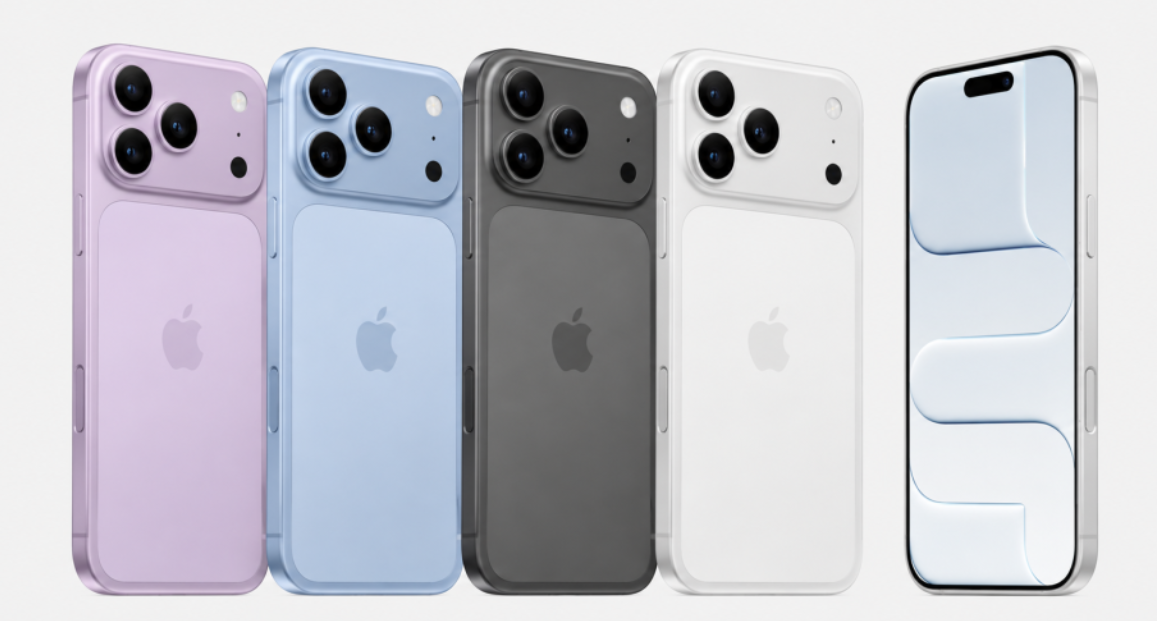
Anyone buying a used iPhone has a lot more to check carefully than someone buying new. The upside is getting a recent model for less than retail — but buy carelessly and you could end up with a stolen device, a battery that’s on its last legs, or worse, a phone that can’t even be activated at all. This piece lays out the essential checklist to run through before buying a used iPhone.
The first thing to check is the IMEI number. IMEI is the unique identifier assigned to every smartphone — you can find it under Settings > General > About, and it’s often printed on the box or the back of the device too. Once you have it, use your carrier’s website, Apple’s official site, or one of the many online IMEI-lookup services to confirm the device hasn’t been reported lost or stolen and that there’s no outstanding installment balance owed on it. Skip this step, and you risk having your carrier block the line later, or getting hit with Activation Lock, leaving you stuck with a loss.
The second critical check is Activation Lock — whether an Apple ID is still logged into the device. If a seller hands over an iPhone without signing out of their Apple ID first, the buyer can end up completely locked out even after a factory reset, since only the original owner’s Apple ID and password can unlock it. Always ask the seller to sign out under Settings before the sale, and confirm the device shows as fully removed in Find My. If possible, the safest approach is meeting in person and walking through the reset and setup screen together on the spot.
Third, always check battery health. Under Settings > Battery > Battery Health & Charging, you can see the current maximum capacity as a percentage. Anything above 85% is generally considered good condition, while anything under 80% suggests a battery replacement may be needed soon — factor that into your price negotiation. If the battery info shows a “Service Recommended” message, that’s a sign a replacement is imminent and warrants extra scrutiny.
Fourth, physically inspect the device’s exterior and screen. Check for any faint image retention or burn-in on the display, and make sure touch response is even and consistent across the entire screen. Test basic functions one by one — speaker, microphone, camera, and vibration motor. It’s also important to check for water damage: the liquid contact indicator sticker near the SIM tray turns red if the device has been submerged, and you should avoid buying if that’s the case.
Fifth, confirm that Face ID or Touch ID works properly. If biometric authentication isn’t functioning correctly, it could point to internal sensor issues or a history of repairs, and non-genuine parts used in a past repair can sometimes trigger warning messages related to authentication.

Uncover incredible deals and embrace a seamless shopping spree on Temu! 😊
👉 item link: https://temu.to/k/p37qxb9u6po
🎉 Coupon price[$7.18]
Phone Case – Phone Case Designed for Heat Dissipation Featuring a 360° Rotatable Stand, Compatible with for Iphone 11 Through 17 Pro, Including Plus And Pro Max Versions. It Offers Shockproof Protection And Includes a Foldable Hidden Stand
🚀 Help Me Earn Instantly — Just 1 Click!
Hi! Join Temu’s affiliate program via my link—it’s free. I’ll earn up to $50, and you’ll get free rewards instantly! 🎉
💡 Commission Boost: Your commission auto-upgrades to 35% after signing up!
🔗 https://temu.to/k/p590cevtkpa
inc151317
Sixth, verify official warranty status and AppleCare enrollment. Entering the serial number on Apple’s official Check Coverage page shows the purchase date, warranty expiration, and whether AppleCare+ is active. If AppleCare is still valid, that’s real added value, since it means cheaper repairs for any unexpected issues down the line.
Seventh, check whether the device has a history of non-genuine repair parts. Under Settings > General > About, iPhone will sometimes display a warning if the battery or display isn’t a genuine Apple part — don’t skip checking this.
Finally, the seller’s trustworthiness matters too. For a private, in-person sale, meeting in a public place and thoroughly testing the device before paying is the safer route. If you’re buying through an online platform, carefully review the seller’s transaction history and ratings before committing.

In the end, buying a used iPhone safely comes down to methodically checking the IMEI, confirming Activation Lock is removed, verifying battery health, inspecting the exterior and functionality, testing biometric authentication, confirming warranty status, checking repair-part history, and vetting the seller. It might feel like a lot of steps, but going through this checklist is enough to prevent the vast majority of problems that come up in used iPhone transactions.